
01
Connected sales flow
Move a customer-approved quotation into an active sales order and continue through invoicing without duplicate data entry.
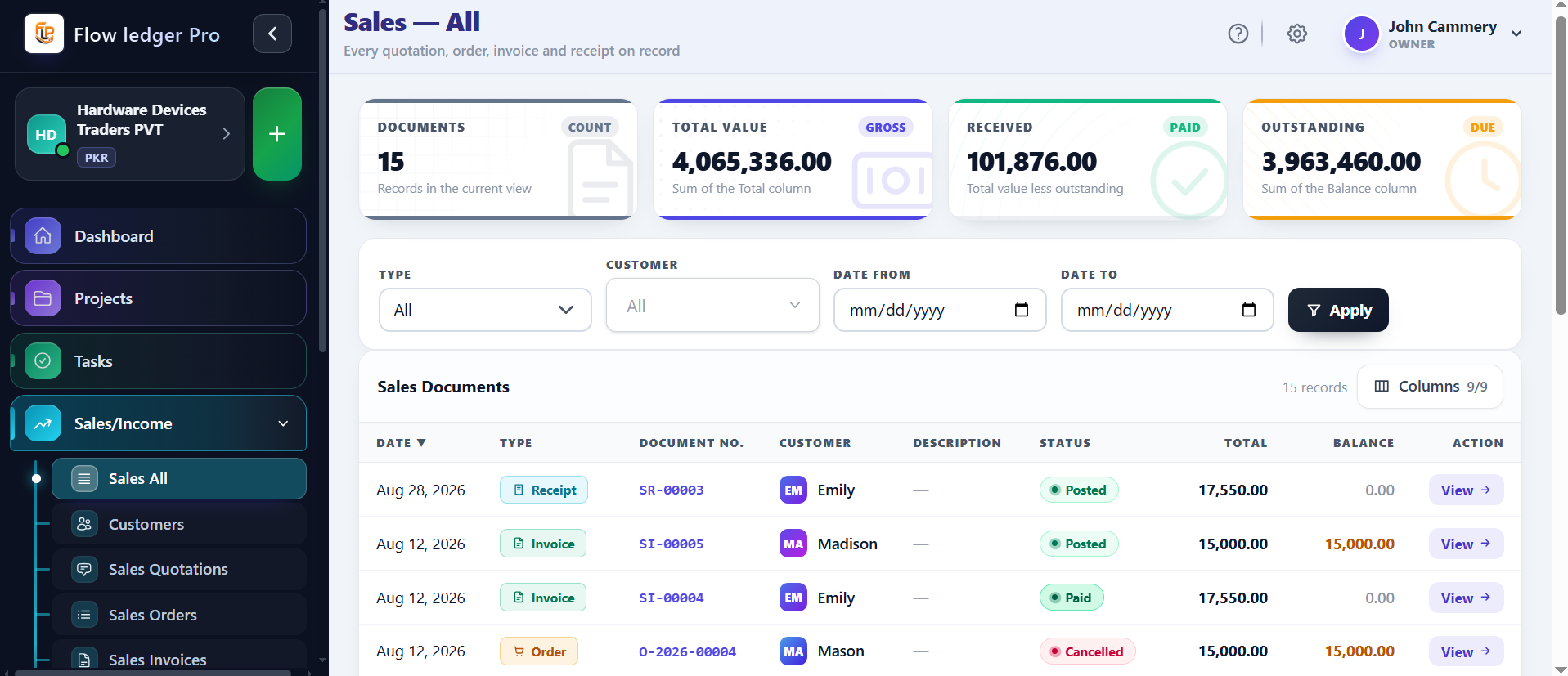
Connect quotations, sales orders, invoices, and receipts in one traceable revenue workflow with clean tax and withholding records.
Capabilities
4 workflows
Operating sequence
4 steps
Buyer checks
3 evidence points
Each capability is designed to keep the operational action and the accounting consequence connected.
Move a customer-approved quotation into an active sales order and continue through invoicing without duplicate data entry.
Use configured payment terms to support consistent due-date generation across sales documents.
Apply regional sales tax profiles as part of the transaction workflow and keep the resulting records connected.
Process withholding logs cleanly alongside the revenue transaction trail.
When quotations, orders, invoices, receipts, and ledger entries are maintained separately, users have to re-enter details and reconstruct the transaction history during collection or month-end review.
A customer-approved quotation moves to an order, then an invoice. The user reviews the configured tax and withholding values, posts the receivable and revenue accounts, and records the receipt when payment arrives. Amounts and account mappings are illustrative.
Sales operators, accountants, and business owners who need a connected record from customer quote through collection.
A concrete sequence makes it easier to evaluate where this module fits in your operating process.
Start with the customer request, commercial terms, and applicable tax settings.
Carry approved line items and payment terms into the order record.
Create the receivable document and review the resulting tax and withholding values.
Record collection and keep the transaction trail connected to its ledger entries.
The examples below describe the evidence a buyer should be able to inspect in the product. Demo values are illustrative and are not customer results.
| Illustrative invoice | $1,000 service invoiceExample value only; use an approved product walkthrough to confirm the live layout. |
|---|---|
| Ledger check | Debit receivable / credit revenueConfirm the exact account mapping and tax postings for your edition and jurisdiction. |
| Exceptions | Partial payment, credit note, approval scopeThese behaviors require product-owner confirmation before being promised. |
Review the practical details, setup requirements, and boundaries that matter before adopting this workflow.
The intended workflow connects quotation, sales order, invoice, and receipt records. Confirm which transitions are automatic or approval-gated in your account.
These are important commercial exceptions to test during a walkthrough. They are not represented as universal guarantees on this page.
Approved sales activity is designed to remain connected to the ledger. Confirm the exact account mapping, tax treatment, and posting timing for your configuration.