
How to Choose Cloud Accounting Software for Small Businesses
Super Admin
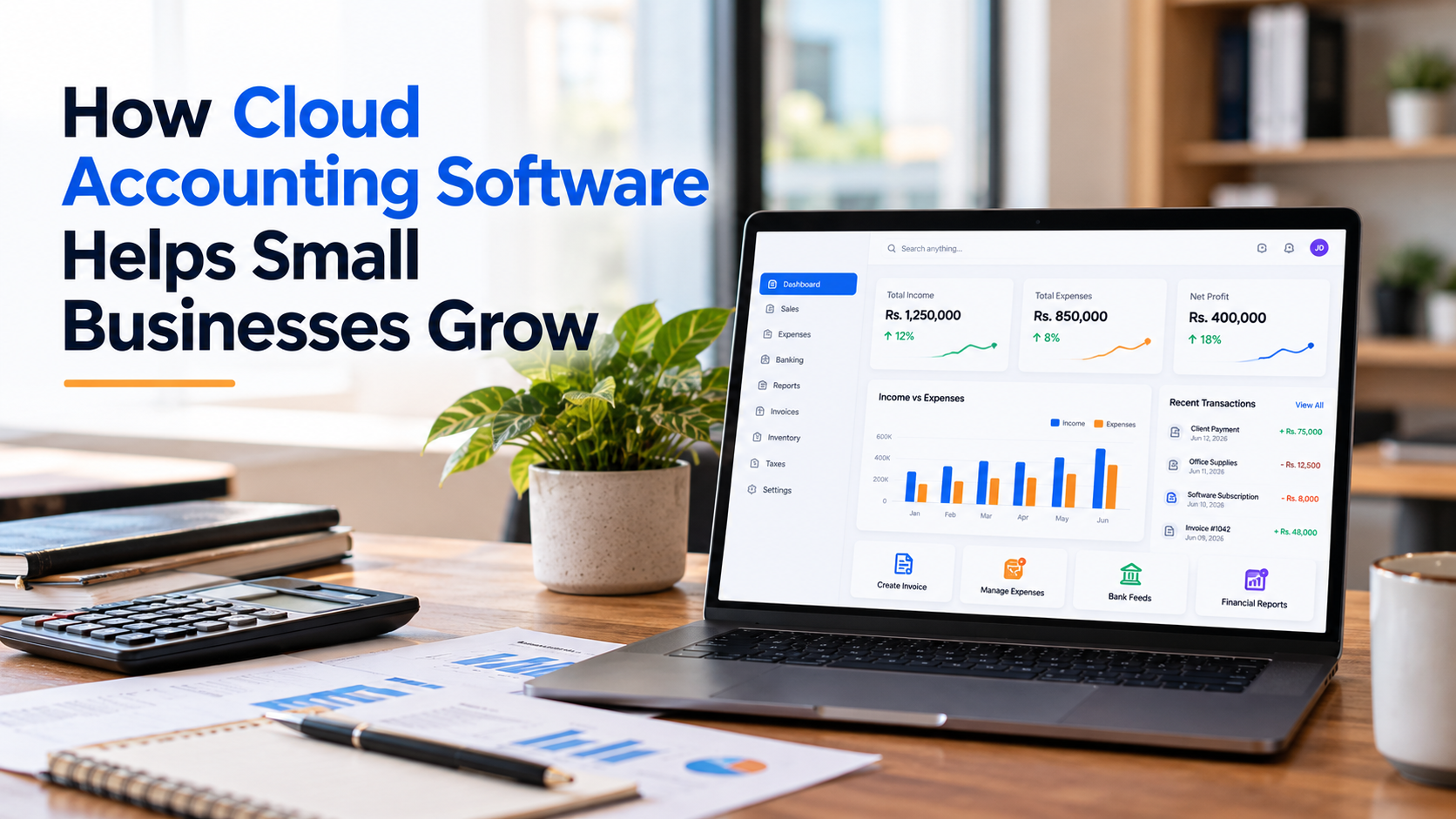
Managing money is one of the most important parts of running a small business. Owners need to track sales, expenses, invoices, payments, taxes, and inventory. When these records are spread across spreadsheets and different tools, mistakes can happen, and important information can be difficult to find.
The rightcloud accounting for small business solution can help owners organize financial records, review business activity, and make informed decisions. Cloud accounting can also help teams access financial information without relying only on files stored on one computer.
FlowLedgerPro presents accounting and ERP features that include business accounts, invoicing, inventory workflows, journal entries, and financial reports. These features may help businesses connect financial information with daily operations.
What Is Cloud Accounting for Small Businesses?
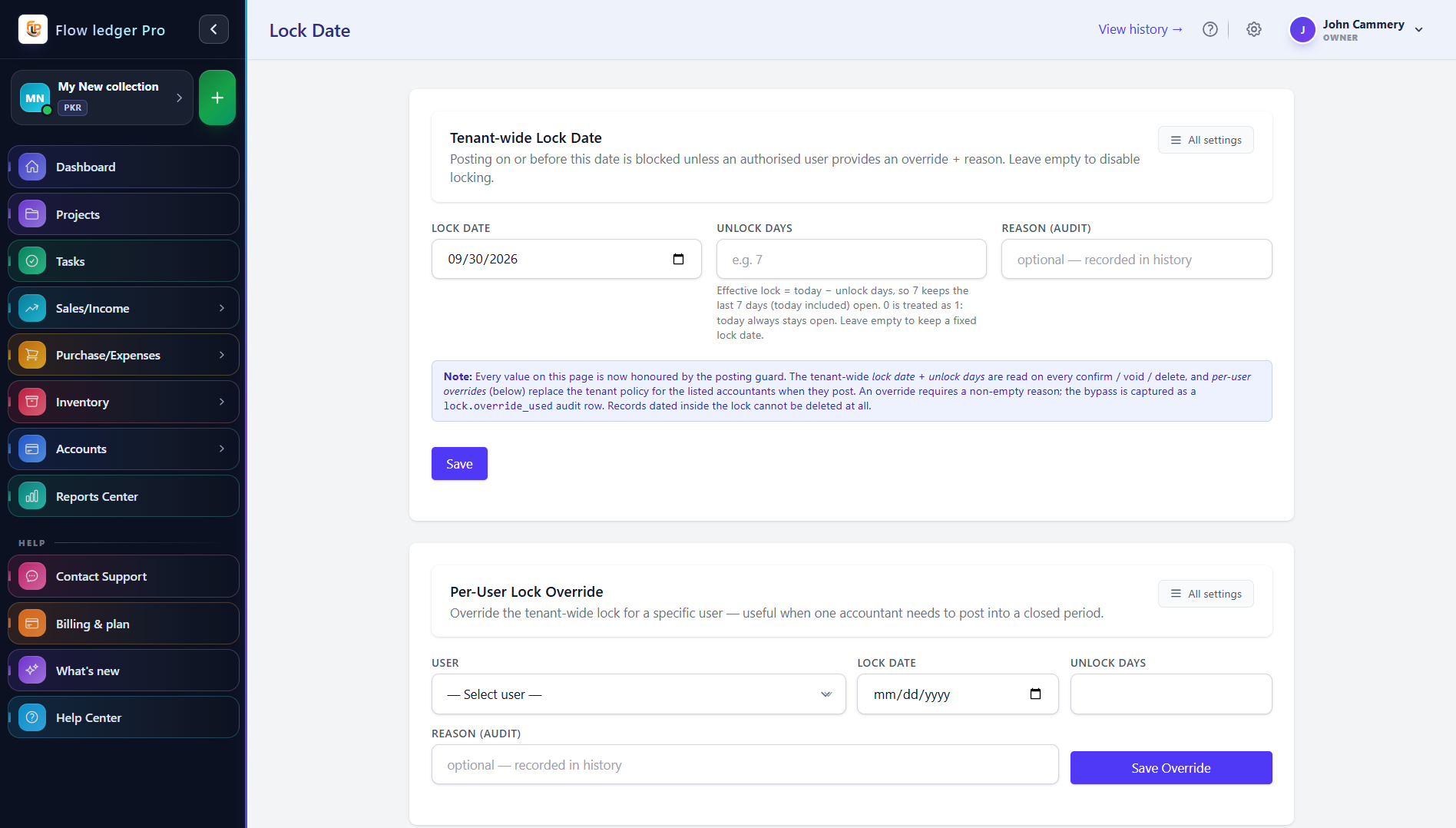
Cloud accounting allows businesses to manage financial information through software accessed over the internet. Depending on the product and plan, authorized users may be able to access records from different locations and devices.
Common features include:
Recording income and business expenses
Creating invoices and tracking payments
Managing customer and supplier records
Reviewing financial reports
Organizing tax-related transactions
Monitoring inventory and business activity
Cloud accounting can reduce manual work when suitable automation and integrations are available. However, businesses still need to enter accurate information, review transactions, and protect access to their accounts.
Key Benefits of Cloud Accounting Software for Small Business
1. Keep Financial Records Organized
Small businesses handle many transactions, from customer payments to supplier bills. Keeping these records organized helps owners understand where money comes from and where it goes.
Cloud accounting software for small business can bring invoices, expenses, purchases, and journal entries into one system. This can make it easier to find records and review financial activity.
Businesses should still check entries regularly. Accounting software cannot automatically correct incorrect information entered by users.
2. Simplify Financial Reporting
Financial reports help business owners understand their financial position. A profit and loss statement summarizes income and expenses over a period. A balance sheet shows assets, liabilities, and equity. Cash flow information helps owners understand how money moves through the business.
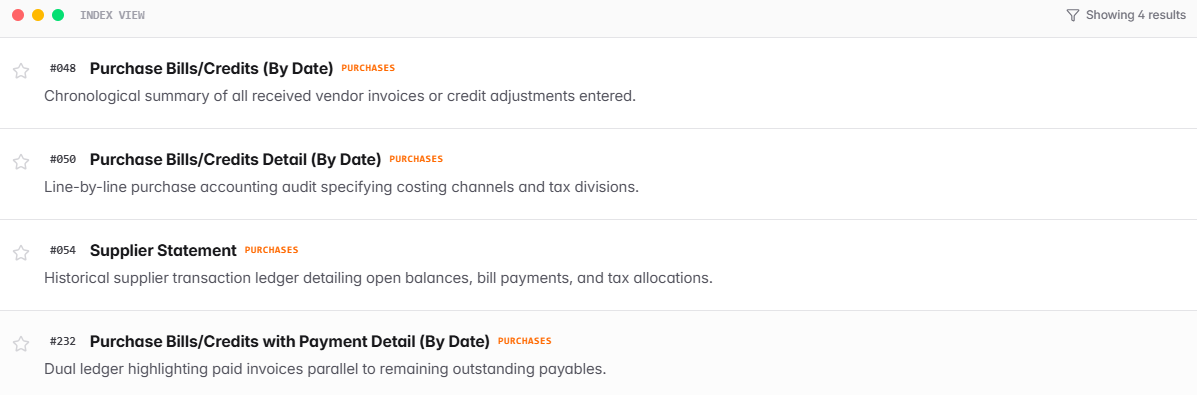
FlowLedgerPro's Reports Center describes more than 40 accounting reports and compliance worksheets. Its public page lists report categories for sales, purchases, cash and bank, inventory, taxation, and management.
These reports can help businesses review customer balances, supplier activity, stock valuation, and financial results.
Explore theReports Center to review the listed sales, purchase, cash and bank, inventory, taxation, and management reports.
3. Improve Invoice and Payment Tracking
Late customer payments can make it harder for a small business to pay suppliers, cover operating costs, and plan future spending.
Accounting software can help owners create invoices, record payments, and review outstanding customer balances. Regularly checking overdue invoices can also make customer follow-ups easier.
Businesses that want to connect quotations, sales orders, invoices, and receipts can explorerevenue automation features to understand how these sales steps work together.
Before choosing a platform, check whether it supports payment reminders, recurring invoices, online payments, and automatic bank reconciliation. These features vary by product and plan.
4. Organize Tax-Related Records
Businesses need clear records of sales, purchases, expenses, and tax-related transactions. Organized records can make tax preparation easier and help owners review individual transactions.
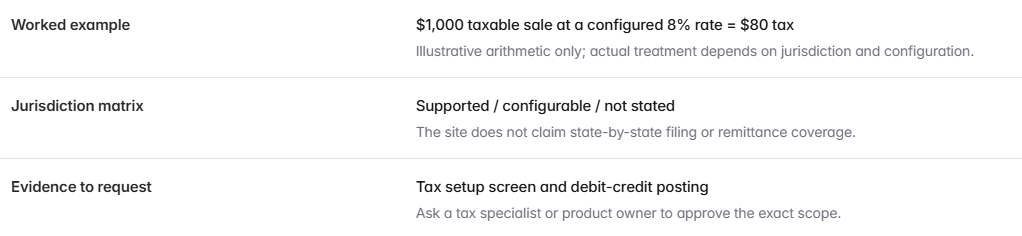
FlowLedgerPro describes configurable tax workflows that include sales tax or GST, withholding tax, and other levies. Businesses operating in the United States should verify support for the federal, state, and local tax rules that apply to them.
Learn more abouttax compliance features, including its configurable sales tax, withholding tax, and additional levy workflows. Confirm that the available settings meet the tax requirements for your jurisdiction.
3. Improve Invoice and Payment Tracking
Late customer payments can make it harder for a small business to pay suppliers, cover operating costs, and plan future spending.
Accounting software can help owners create invoices, record payments, and review outstanding customer balances. Regularly checking overdue invoices can also make customer follow-ups easier.
Businesses that want to connect quotations, sales orders, invoices, and receipts can explorerevenue automation features to understand how these sales steps work together.
Before choosing a platform, check whether it supports payment reminders, recurring invoices, online payments, and automatic bank reconciliation. These features vary by product and plan.
4. Organize Tax-Related Records
Businesses need clear records of sales, purchases, expenses, and tax-related transactions. Organized records can make tax preparation easier and help owners review individual transactions.
FlowLedgerPro describes configurable tax workflows that include sales tax or GST, withholding tax, and other levies. Businesses operating in the United States should verify support for the federal, state, and local tax rules that apply to them.
Learn more abouttax compliance features, including its configurable sales tax, withholding tax, and additional levy workflows. Confirm that the available settings meet the tax requirements for your jurisdiction.
Cloud Accounting Software Comparison
      Software
      Best For
      Key Features and Main Focus
      What to Consider


      FlowLedgerPro
      Businesses evaluating accounting and ERP workflows
      Accounting, sales, inventory workflows, journal entries, and financial reports.
      Confirm current features, integrations, pricing, support, and US tax compatibility.


      QuickBooks Online
      Small businesses needing accounting tools
      Invoicing, expense tracking, financial reporting, and related business features.
      Compare plan limits, integrations, bank reconciliation, and inventory needs.


      Xero
      Businesses seeking cloud accounting
      Invoices, bills, bank reconciliation, and financial reporting.
      Review regional availability, integrations, bank connections, and plan features.


      Zoho Books
      Businesses seeking accounting and connected business tools
      Invoicing, expense management, reporting, and integrations with Zoho applications.
      Check plan limits and whether the Zoho ecosystem fits your workflow.


      FreshBooks
      Freelancers and service-based businesses
      Invoicing, expense tracking, and time-related workflows.
      Check whether its features meet your inventory and wider accounting requirements.
FlowLedgerPro
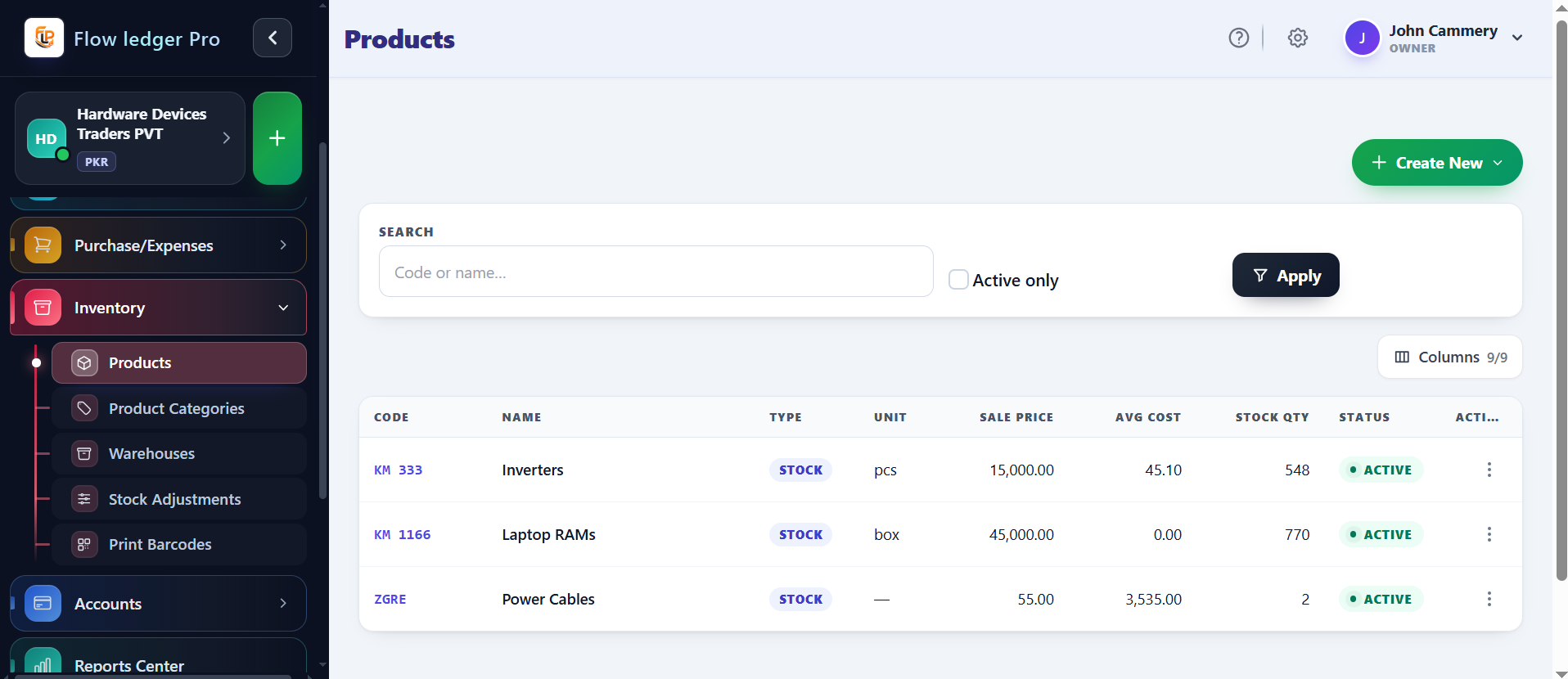
FlowLedgerPro offers a localized double-entry ERP system with accounting, sales, inventory, and reporting features. Small businesses should compare its features with their needs and confirm current pricing, integrations, customer support, and US tax compatibility before choosing it.
QuickBooks Online
QuickBooks Online offers small-business accounting features such as invoicing, expense tracking, and financial reporting. Compare its available plans, bank reconciliation features, integrations, payroll options, and inventory requirements with your business needs.
Xero
Xero provides cloud accounting tools for invoices, bills, bank reconciliation, and financial reporting. Businesses should check supported integrations, bank connections, user access, and the features available for their region and selected plan.
Zoho Books
Zoho Books offers accounting features such as invoicing, expense management, and reporting. It may be worth evaluating for businesses already using other Zoho applications. Check the relevant plan limits and integrations before making a decision.
FreshBooks
FreshBooks is often considered by freelancers and service-based businesses that need invoicing and expense management. Businesses with complex inventory or broader ERP requirements should check whether its available features meet those needs or whether additional tools are necessary.
How to Choose the Right Accounting Software
Before choosing accounting software cloud small business owners should compare these important factors.
Essential features: Check invoicing, expense tracking, reporting, bank reconciliation, and any inventory or project tools you need.
Tax requirements: Confirm support for the tax rules that apply to your location and business type.
Ease of use: Choose software that you and your team can use consistently.
Integrations: Check whether it connects with your bank, payment processor, e-commerce platform, or payroll system.
Security and access: Review user permissions, authentication, backups, and data protection.
Total cost: Compare subscriptions, user limits, implementation, training, and additional modules.
Support and migration: Ask how existing records can be imported and what help is available during setup.
Before making a decision, review theFlowLedgerPro pricing and contact the provider to confirm current prices, plan limits, and availability. The published pricing information should be verified directly before making a purchasing decision.
A demonstration using your real business workflow can help you evaluate a platform more effectively than relying on a feature list alone.
Two Illustrative Examples of Cloud Accounting
Example 1: A Small Consulting Business
Imagine a consulting company that sends invoices to several clients each month. Its owner tracks payments in a spreadsheet and records expenses in separate files.
With an accounting system that supports invoice tracking and organized expense records, the owner could review unpaid invoices more easily and prepare reports from a more consistent set of records.
This is an illustrative example, not a verified FlowLedgerPro customer case study. Actual results would depend on the business's processes and the software features used.
Example 2: A Small Online Store
Imagine an online store that sells home accessories. The owner needs to track product purchases, sales, supplier bills, and stock levels.
A system with suitable accounting and inventory workflows could help connect purchasing records with stock information and financial reporting. The owner would still need to review stock movements and reconcile records to maintain accuracy.
This is also an illustrative example. No verified customer results or measured inventory improvements are claimed.
Conclusion
Cloud accounting can help small businesses organize financial records, track invoices, review reports, and connect accounting with daily operations. The right platform depends on the company's size, industry, budget, and reporting needs.
FlowLedgerPro presents accounting and ERP capabilities that include financial reporting, sales workflows, inventory-related features, and tax configuration. Businesses should evaluate these capabilities through a demonstration and verify that the product meets their requirements.
With accurate records, regular reviews, and software that fits its workflows, a small business can build a stronger foundation for financial planning and future growth.
Frequently Asked Questions
Quick answers to common questions about this topic
Related Articles
Continue reading more insights from our team
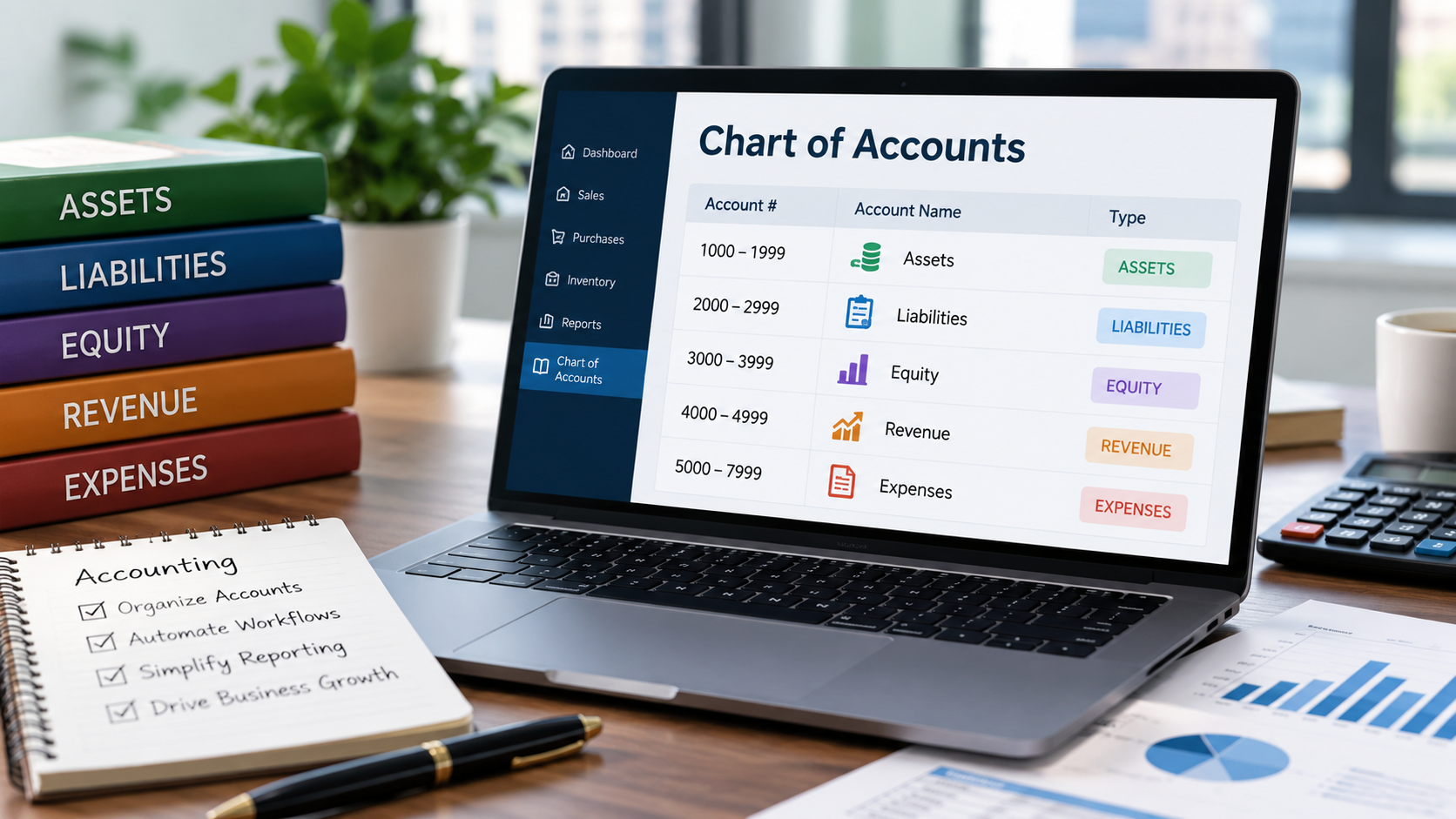
How Companies Manage Modern Chart of Accounts
Learn how a modern chart of accounts helps US businesses organize financial records, standardize account structures, automate workflows, and simplify financial reporting.
Flow Ledger Pro
Ready to Transform Your Accounting?
Join hundreds of businesses using Flow Ledger Pro to streamline their financial operations.